Your personal sanctuary
for distraction-free reading.
A book reader for Windows crafted for lovers of literature, digital silence, and typographic poise. 100% private, ultra-lightweight, and completely ad-free.
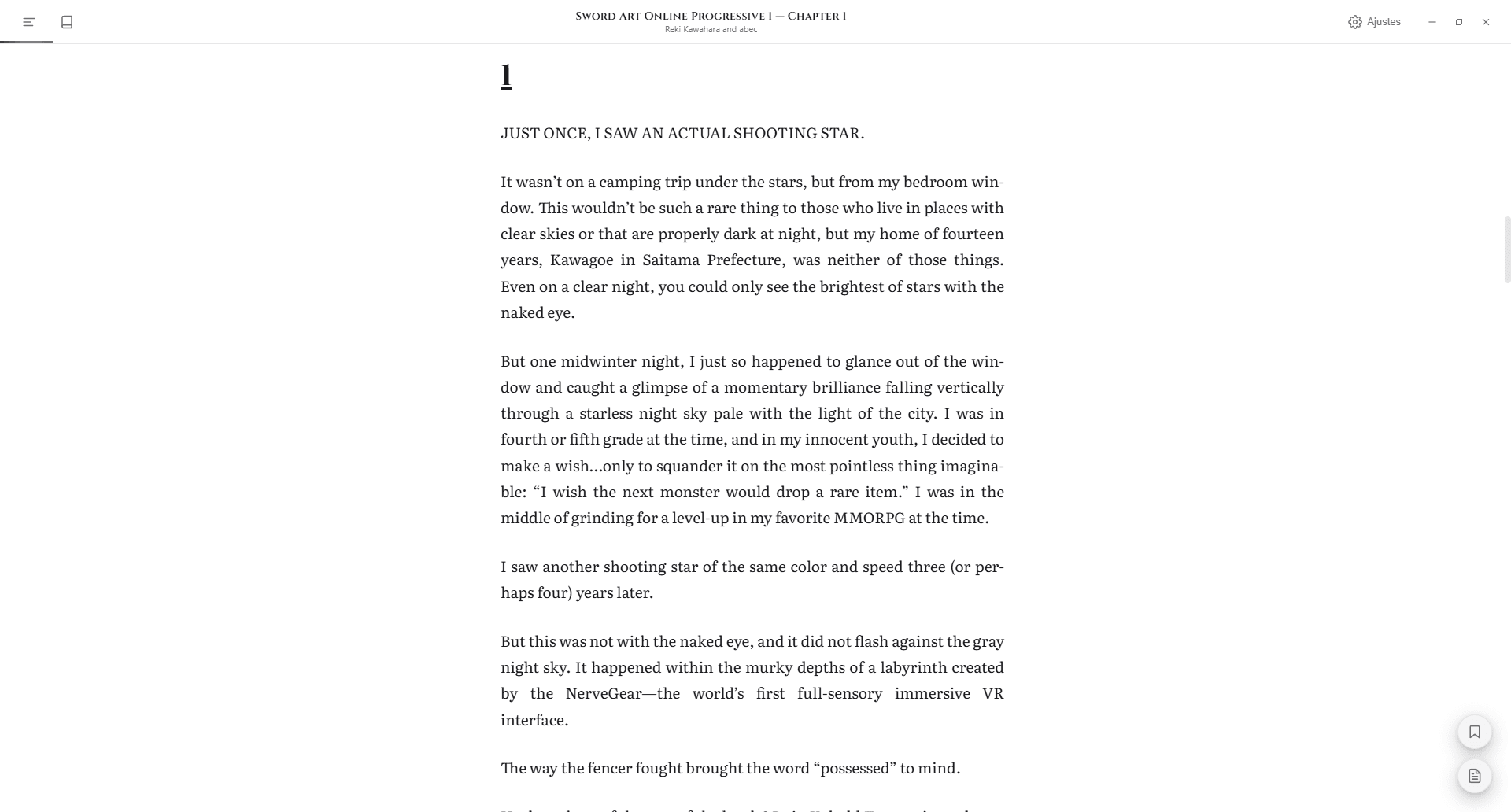
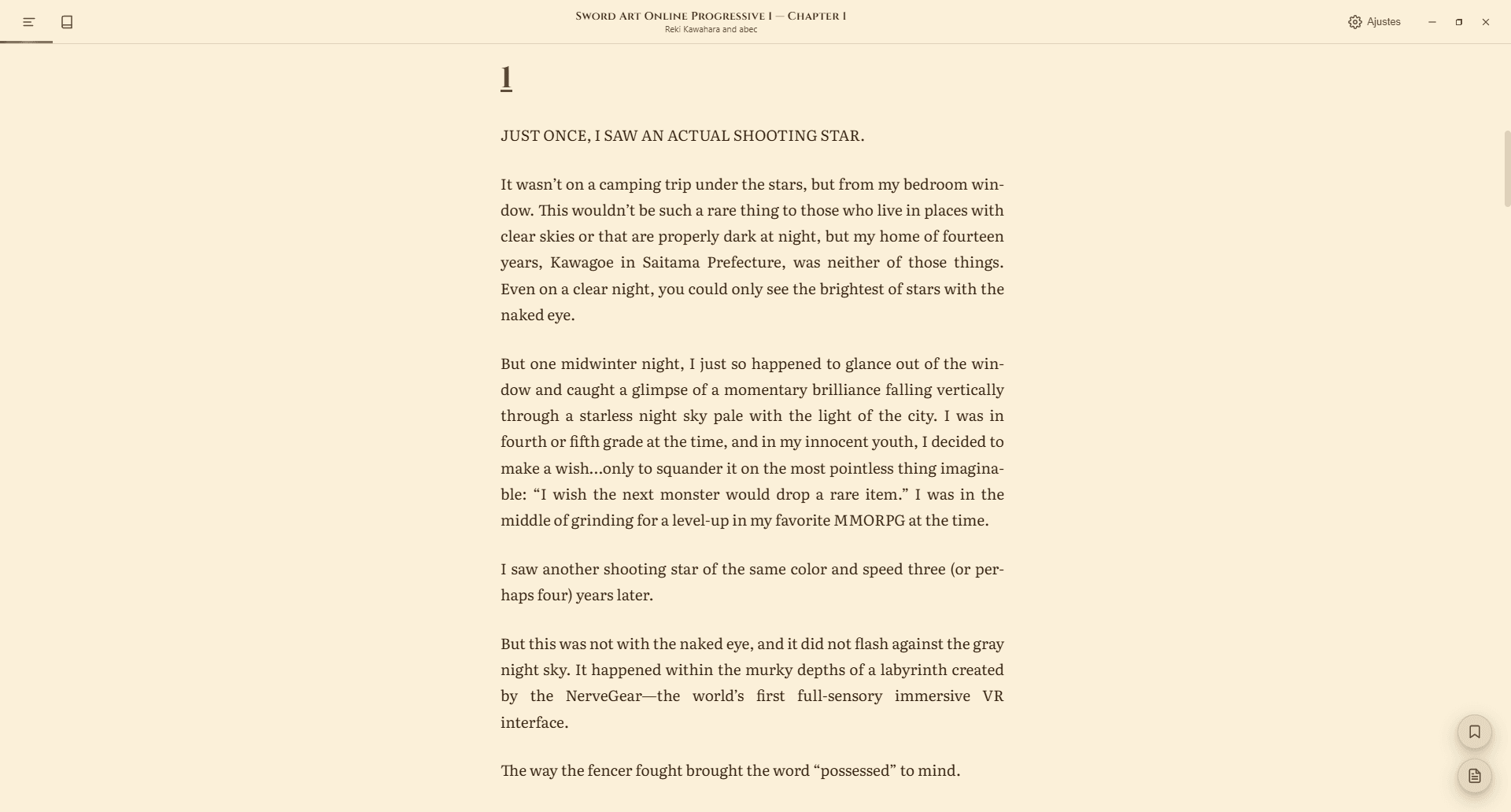
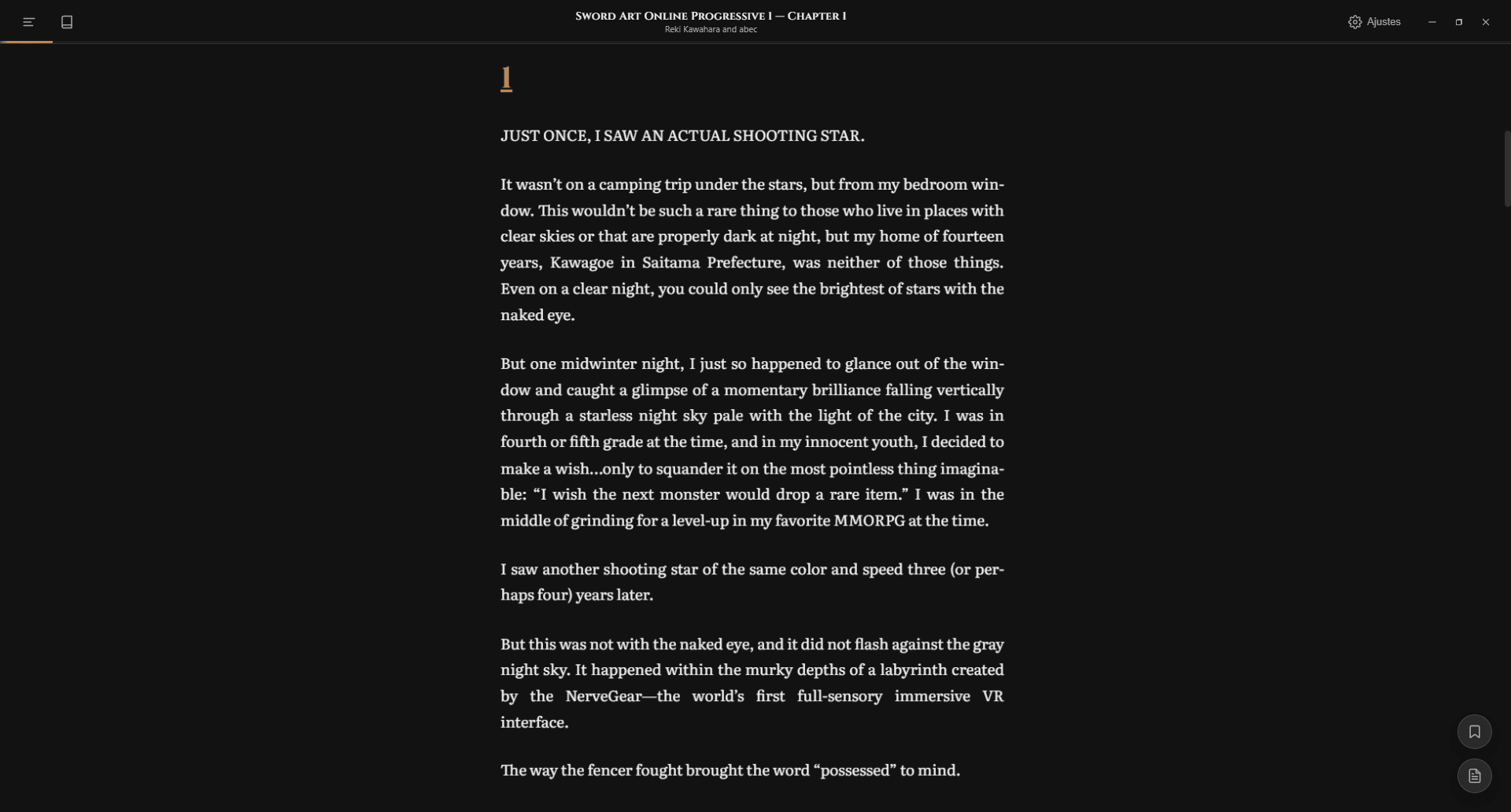
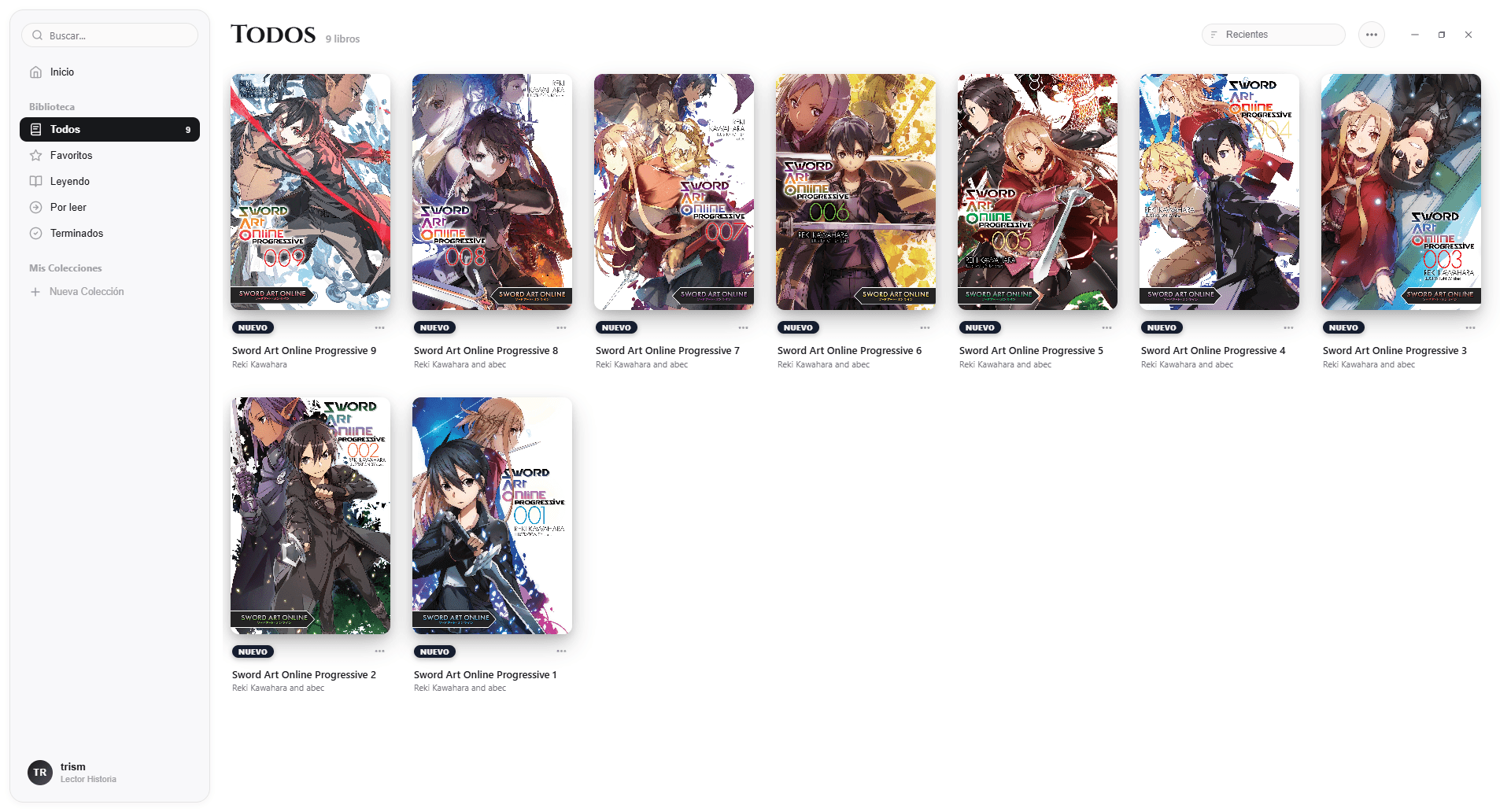
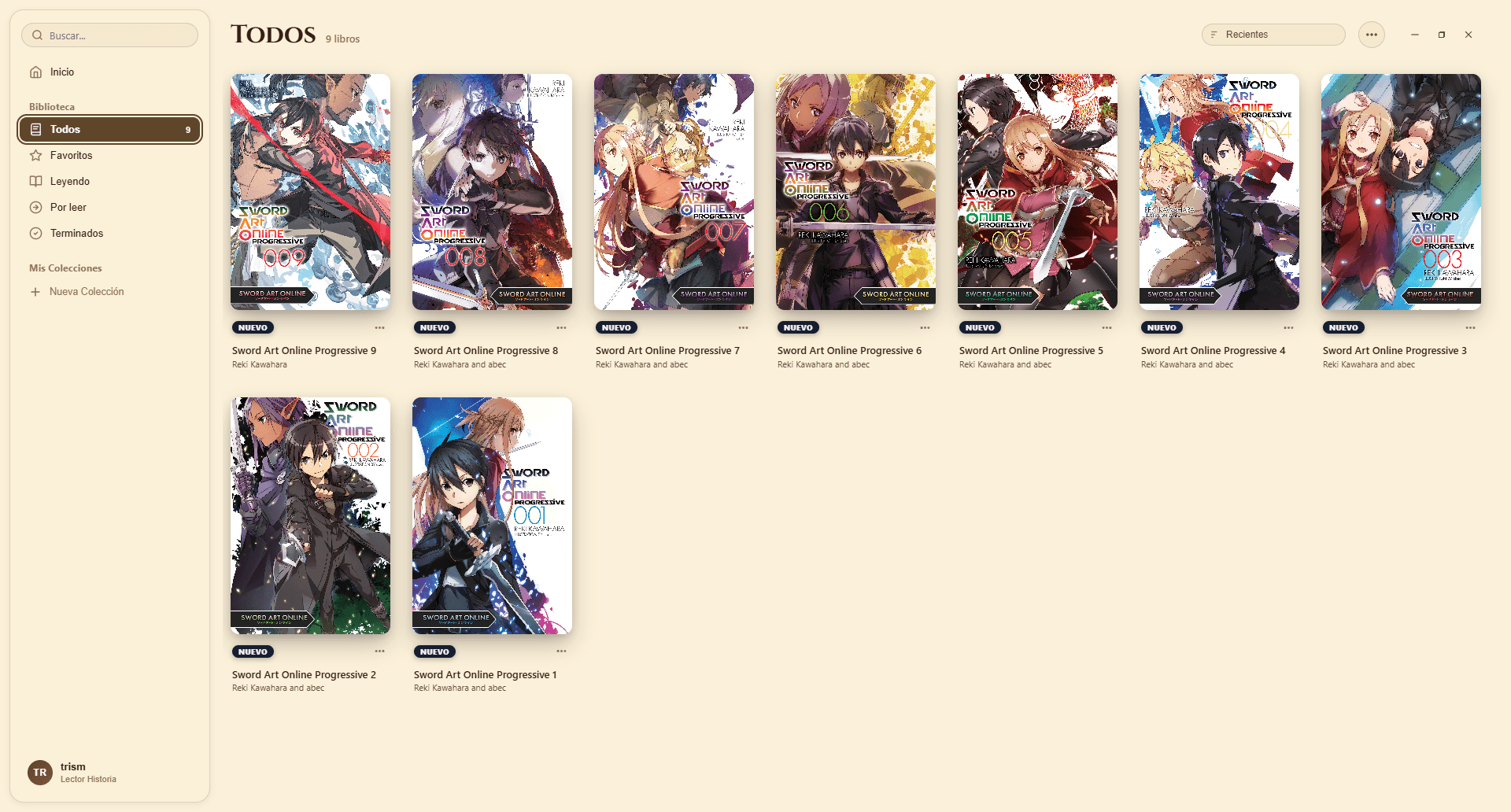
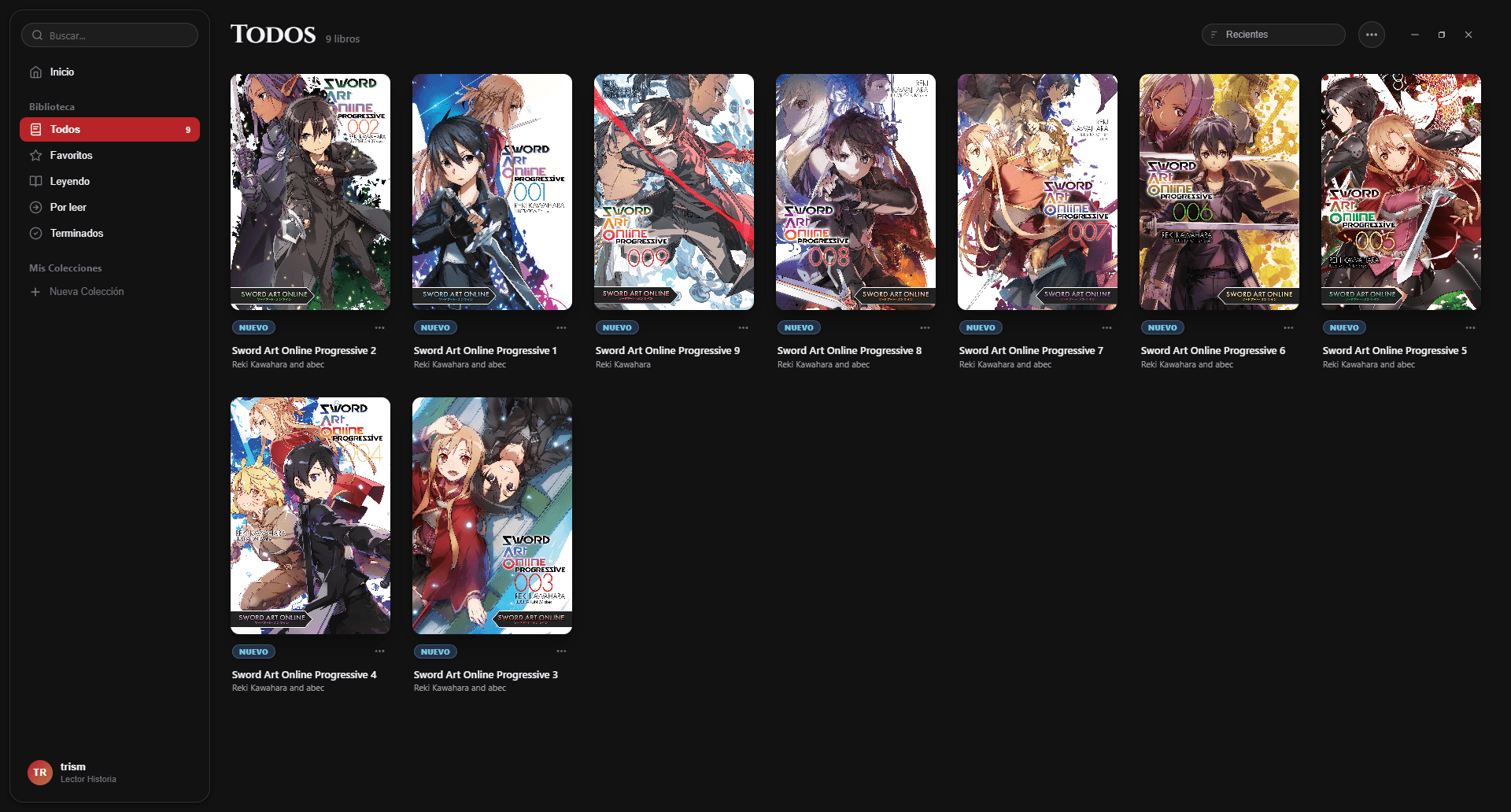
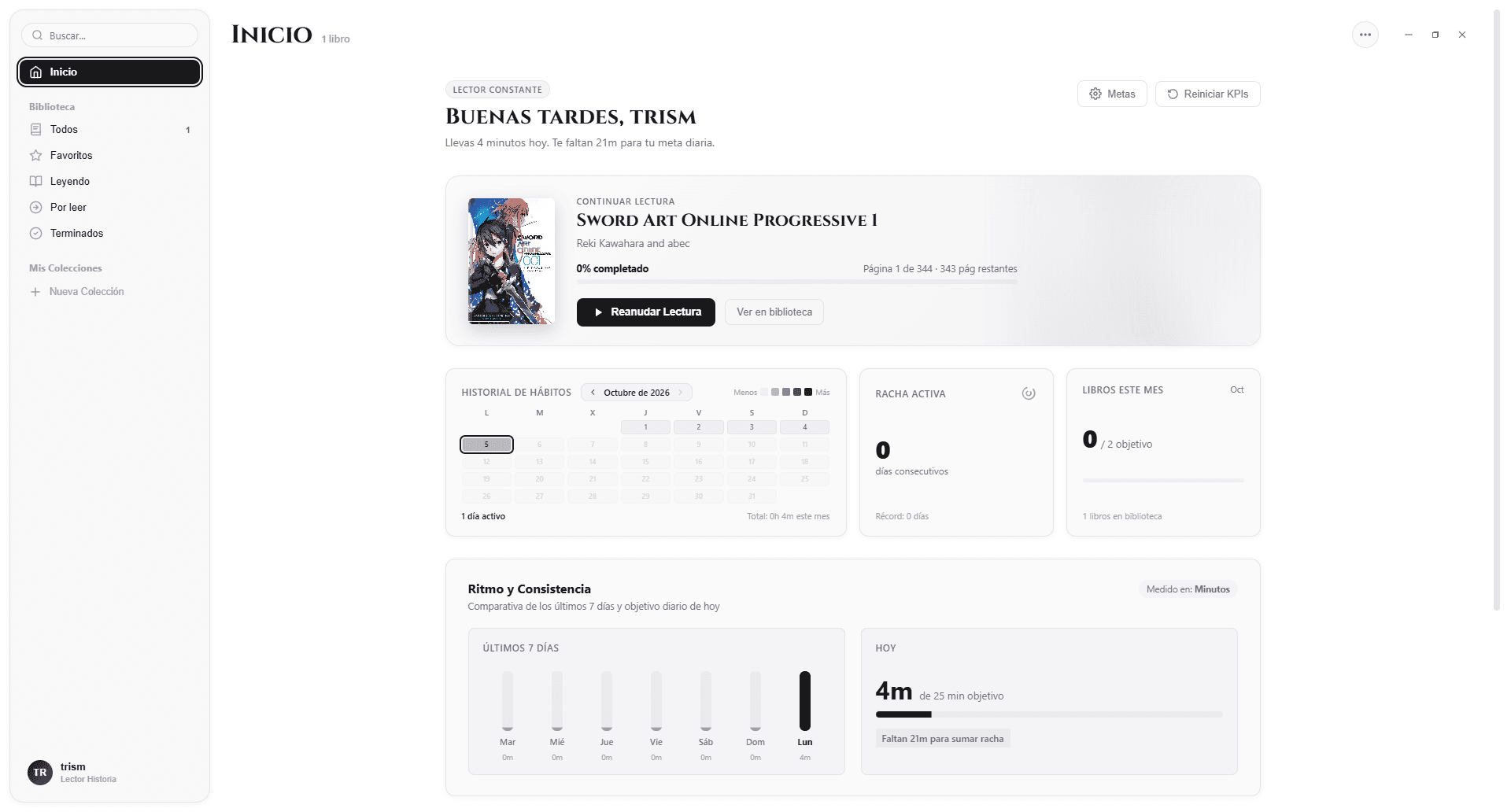
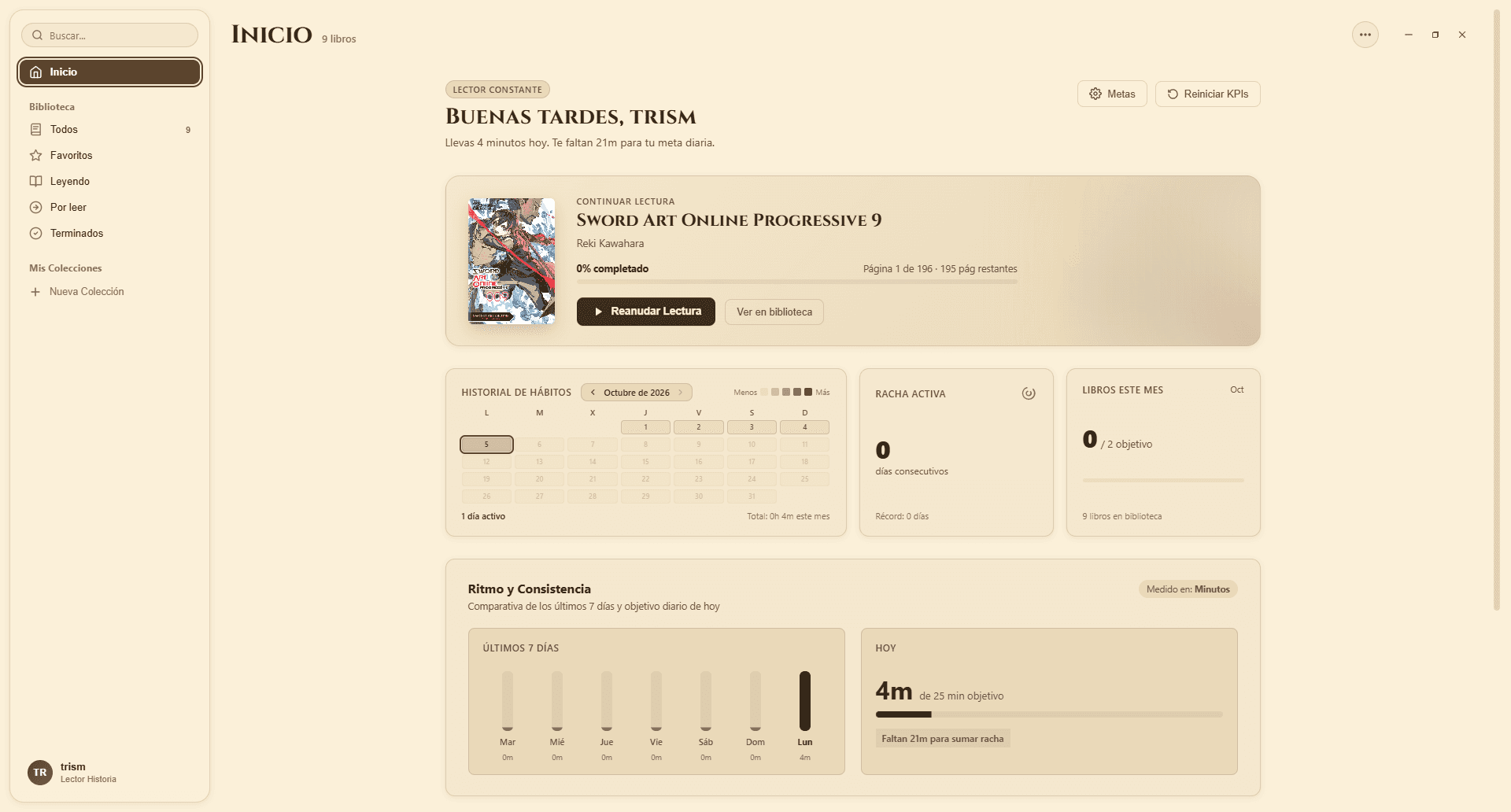
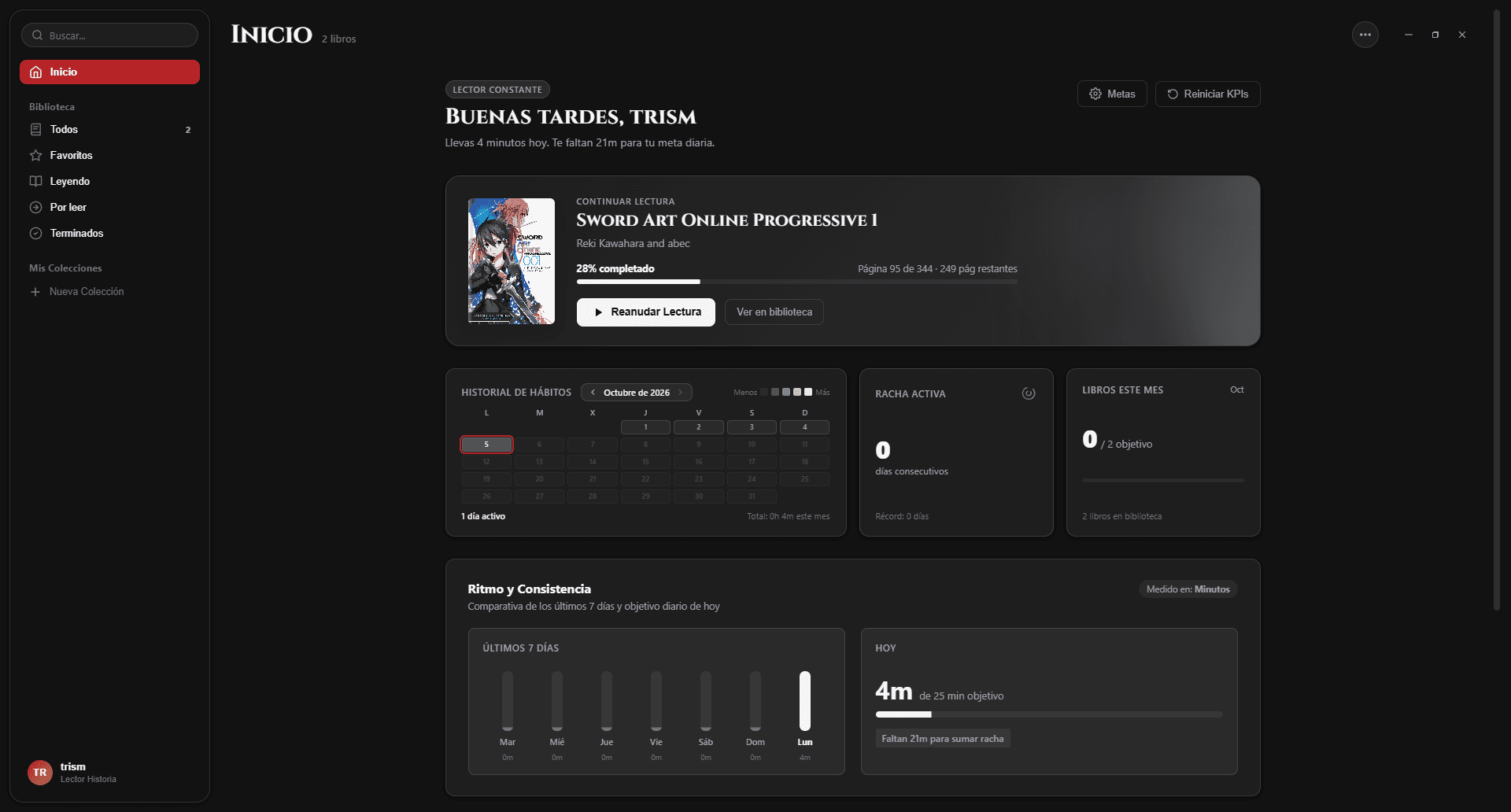
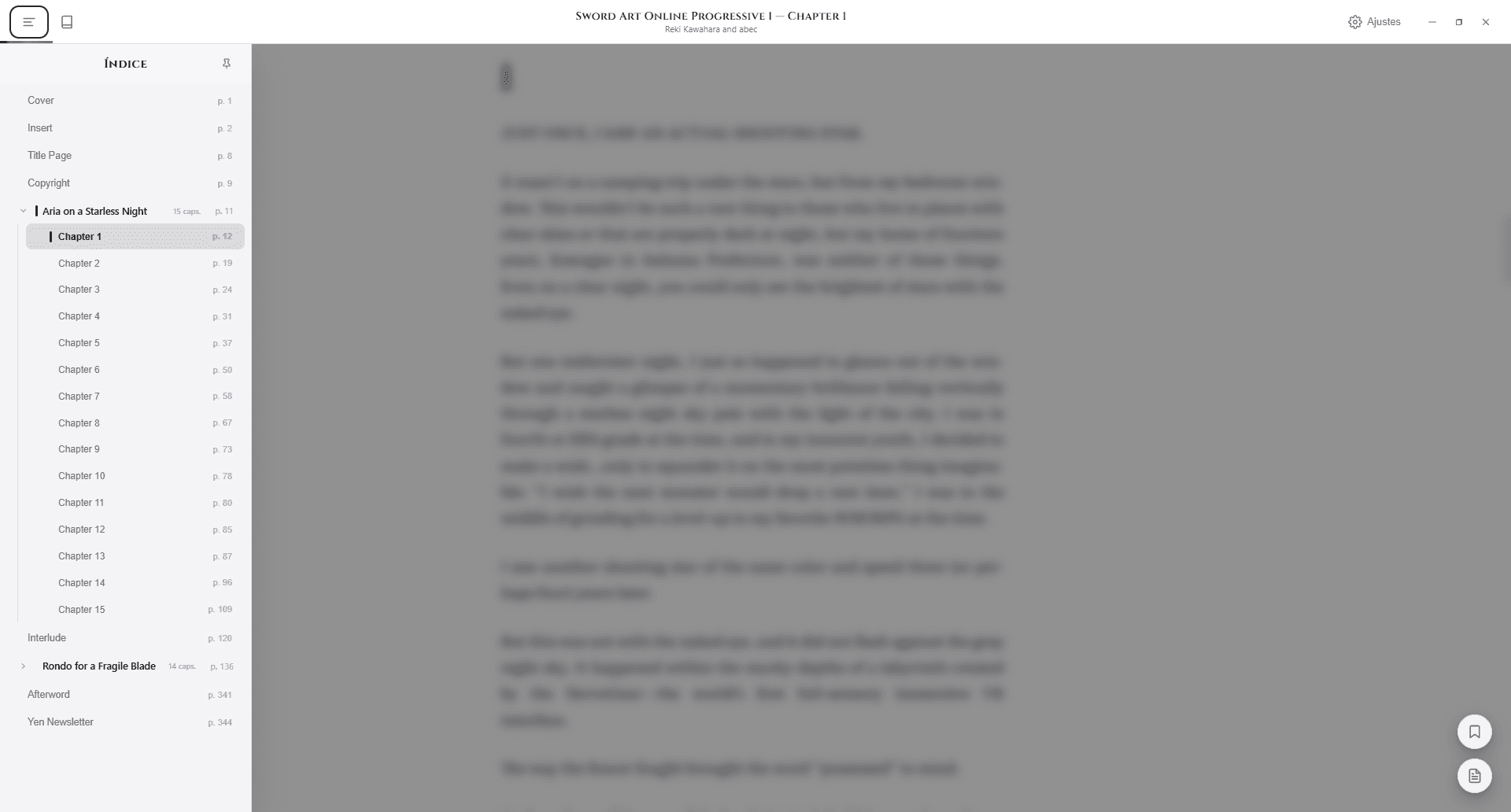
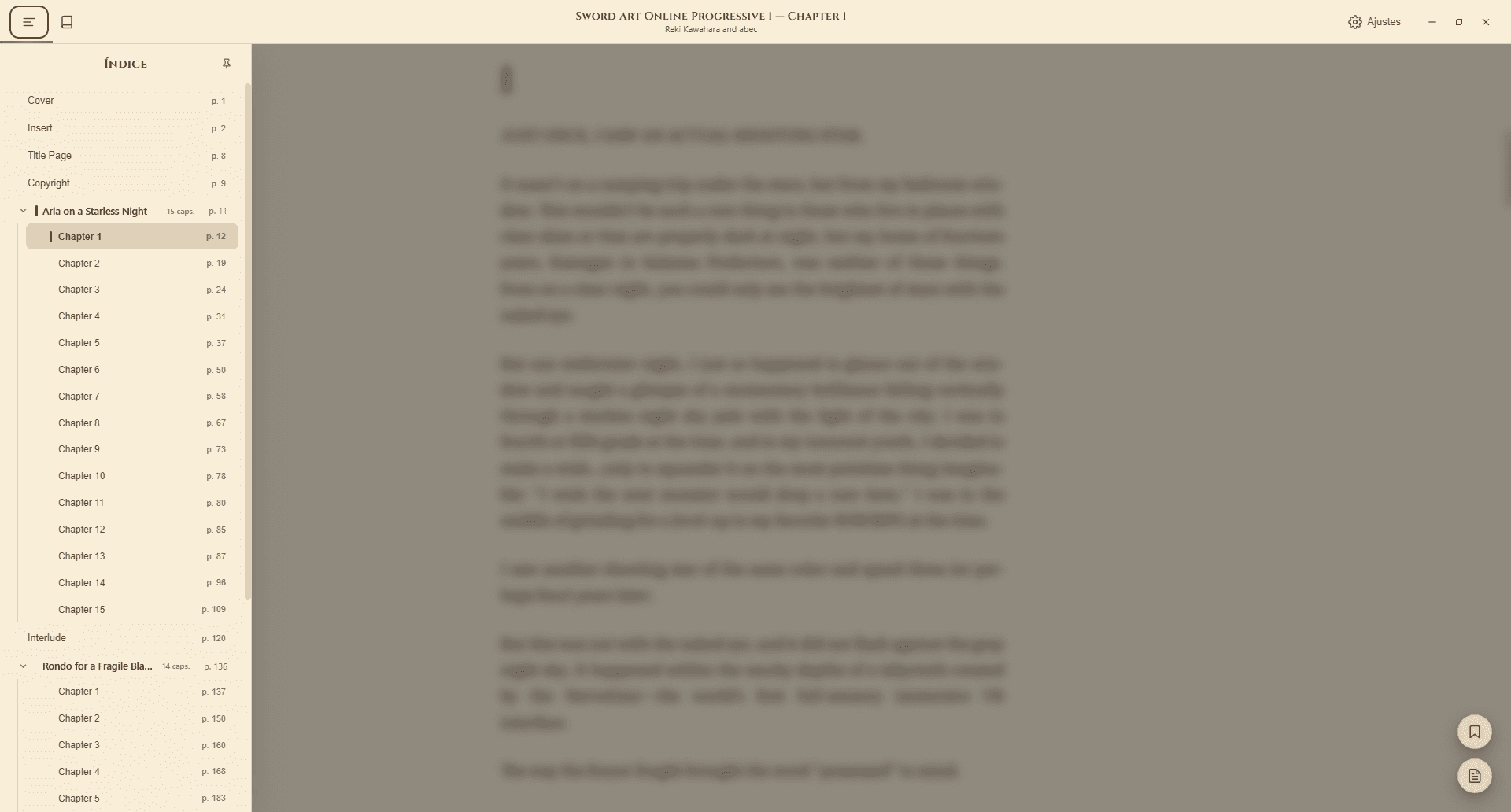
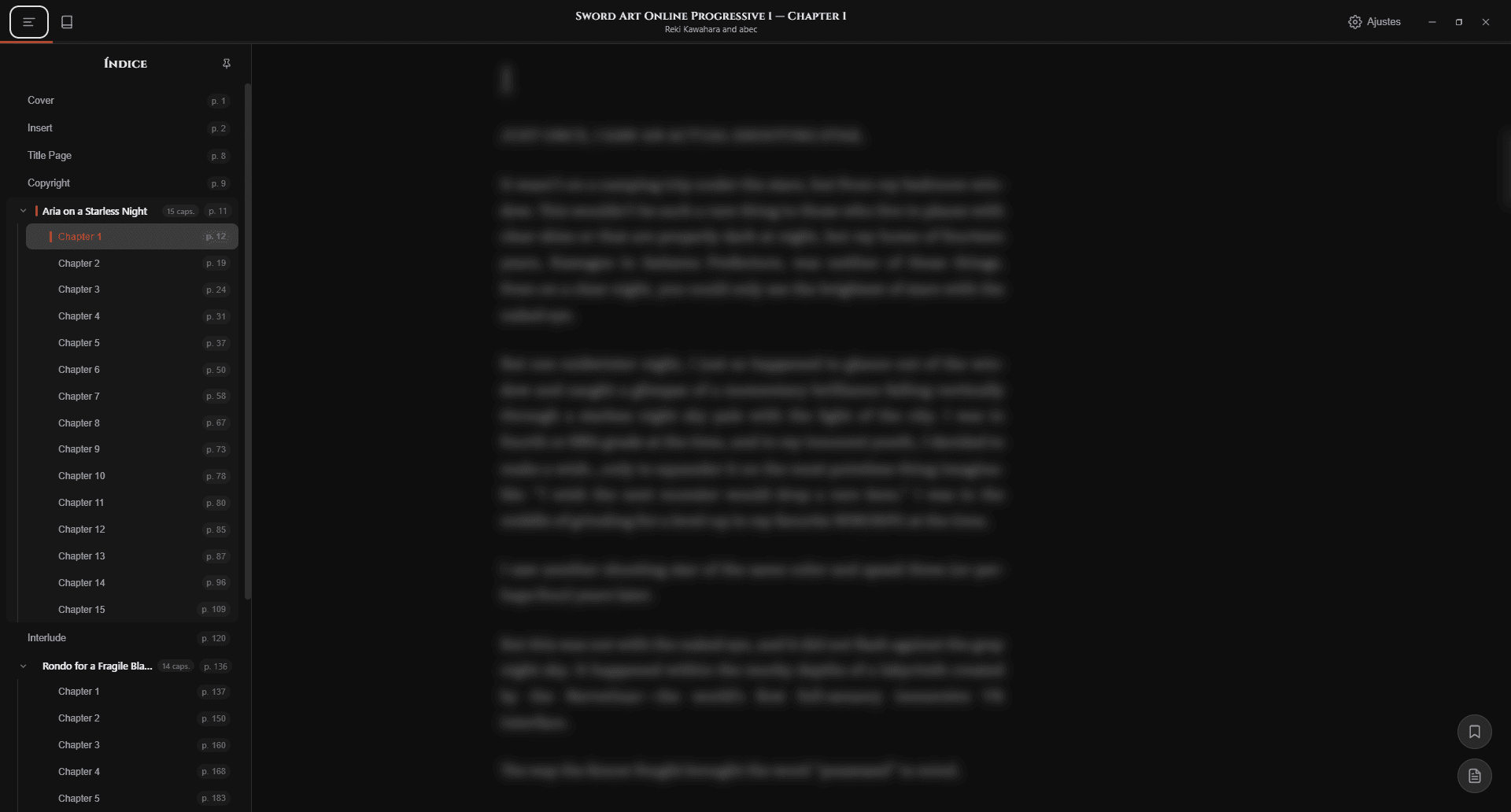
Meticulously crafted in every detail.
Historia is designed as a daily sanctuary for deep reading: no subscriptions, no dark patterns, and utmost respect for your focus.
Pure reading, zero distractions
When you start reading, menus and buttons gently fade away to leave your screen clean. Nothing stands between your eyes and the story.
100% private sanctuary
Your books, highlights, and reading hours live exclusively on your computer. No accounts, no passwords, and no internet connection required.
Quotes with focus glow
Save memorable passages with personal reflections. Clicking a saved quote takes you directly to that page and gently illuminates it on screen.
Visual comfort & adaptive themes
Day, warm Sepia, and deep Obsidian Night. When you switch themes, the window frame automatically adapts to avoid screen glare.
Your personal reading journal
Set daily reading goals and watch your monthly heatmap fill with milestones. Features continuous streak tracking and reading archetypes.
Protected library & rolling backups
Even if you clear your Downloads folder, your books remain intact inside Historia's secured directory, with automated 3-day backups of your notes.
Designed for undivided focus.
Every element is tuned to immerse you in the story: a quiet interface that steps aside and notes that come to life.
An experience designed to disappear while you read.
Historia doesn't crowd your view with unnecessary toolbars or flashing banners. Turn pages smoothly using your keyboard, scroll wheel, or mouse click, backed by editorial typography that cares for your eyes.
Navigate effortlessly with arrow keys, mouse wheel, or a simple click.
Swift performance. Silent and lightweight.
Built to remain invisible on your machine: no splash screens, no heavy background processes, and battery draw so negligible you will forget it is running.
Weighs less than a handful of photos; installs instantly without crowding your drive.
So light you can read for hours alongside multitasking without a hint of lag.
Books and documents open in a fraction of a second, with zero loading delays.
Your books, highlights, and reading stats stay strictly on your local PC.
Frequently Asked Questions
Everything you need to know about compatibility, privacy, supported formats, and using Historia on your Windows PC.
Yes. Historia - Reader is specifically optimized for Windows 10 and Windows 11. It comes with a lightweight official installer (.exe) that sets up in seconds without complex configuration.
Start reading without distractions.
Install Historia - Reader on your PC in seconds. No user accounts, no telemetry, and zero ads. Your books always remain safely on your computer.